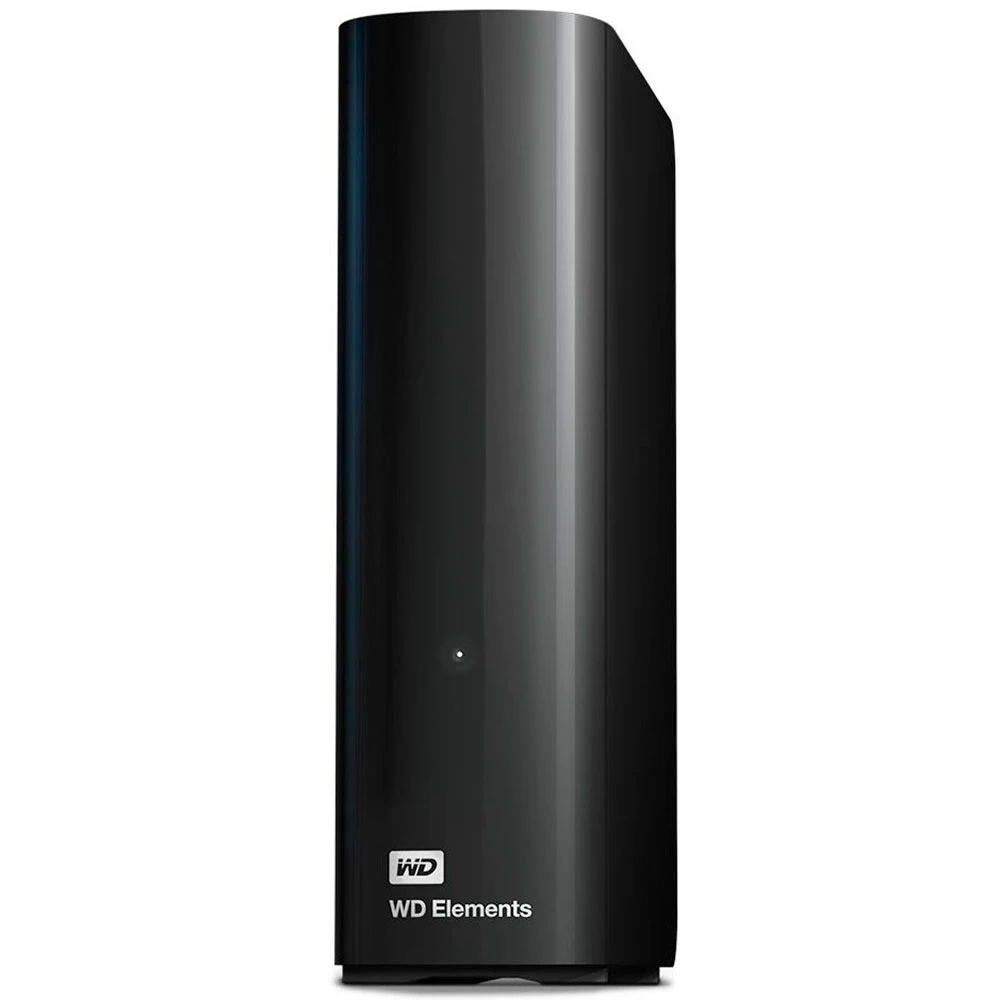
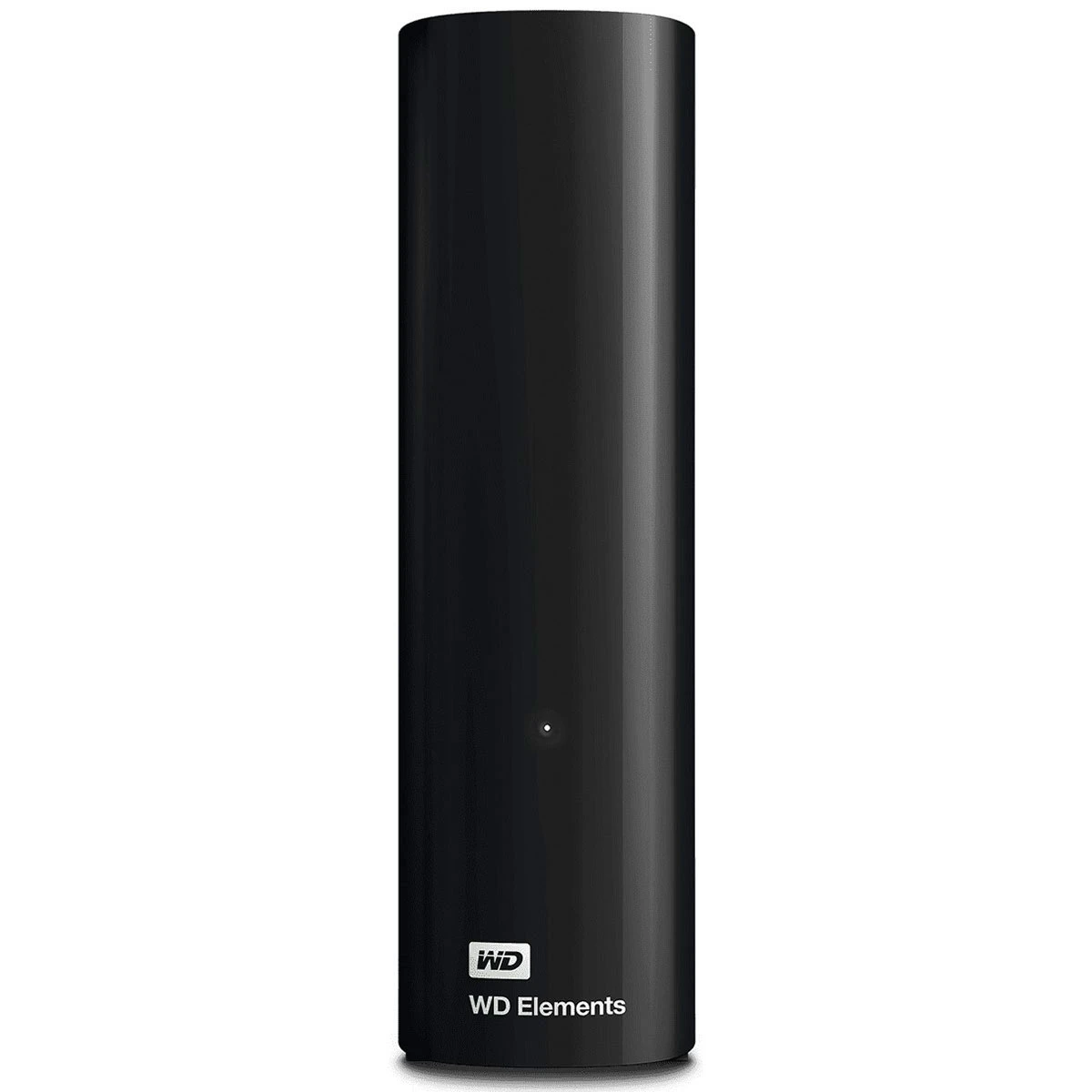
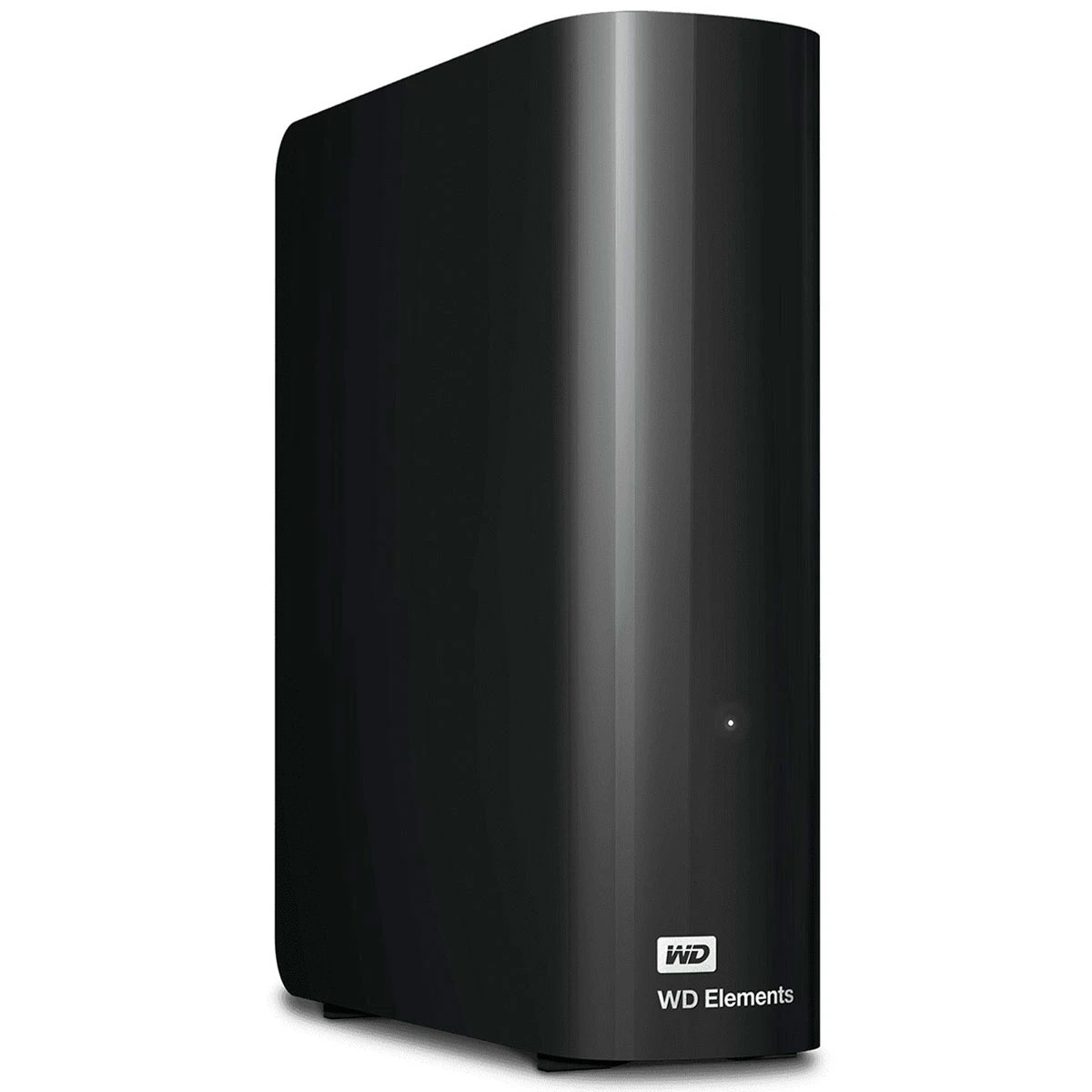
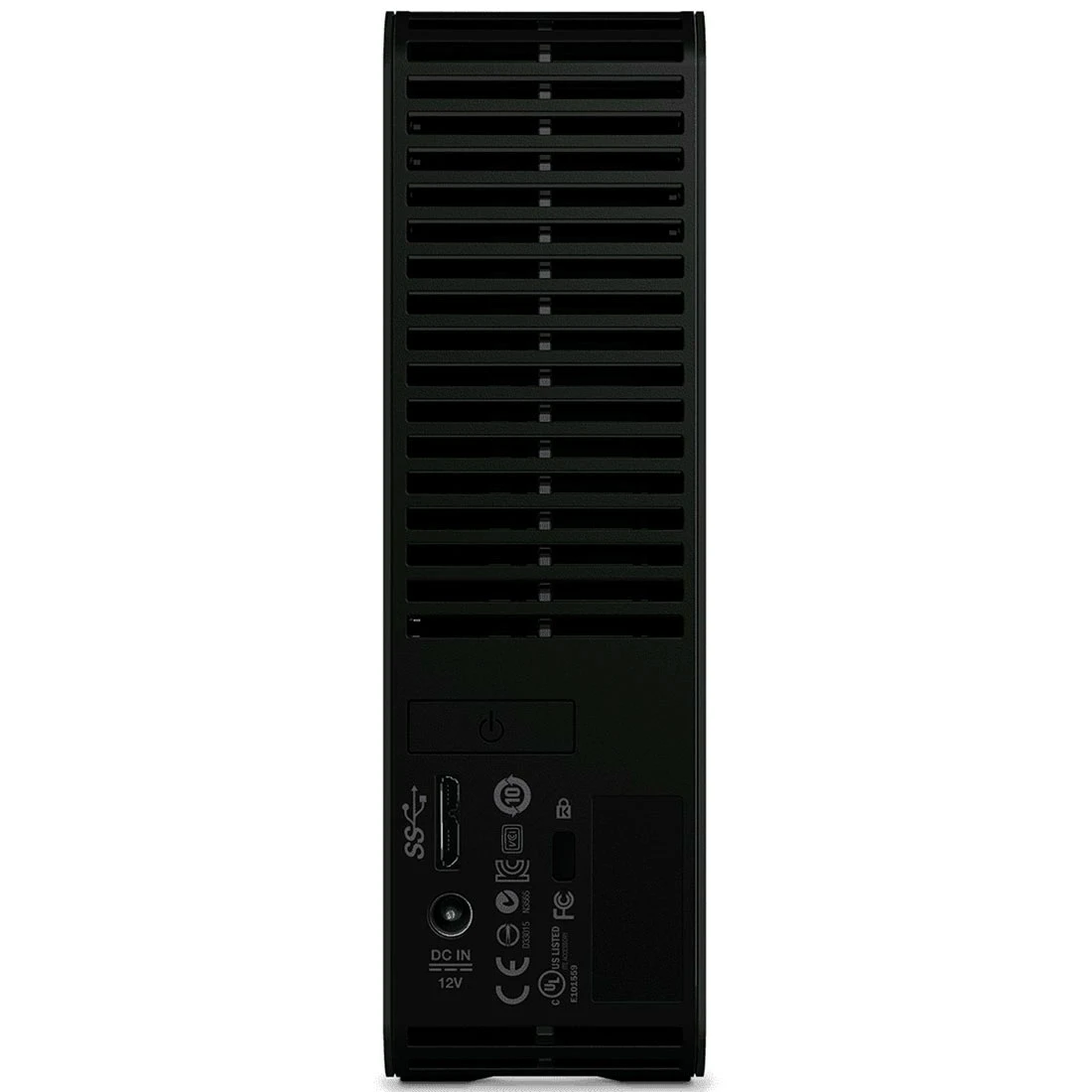
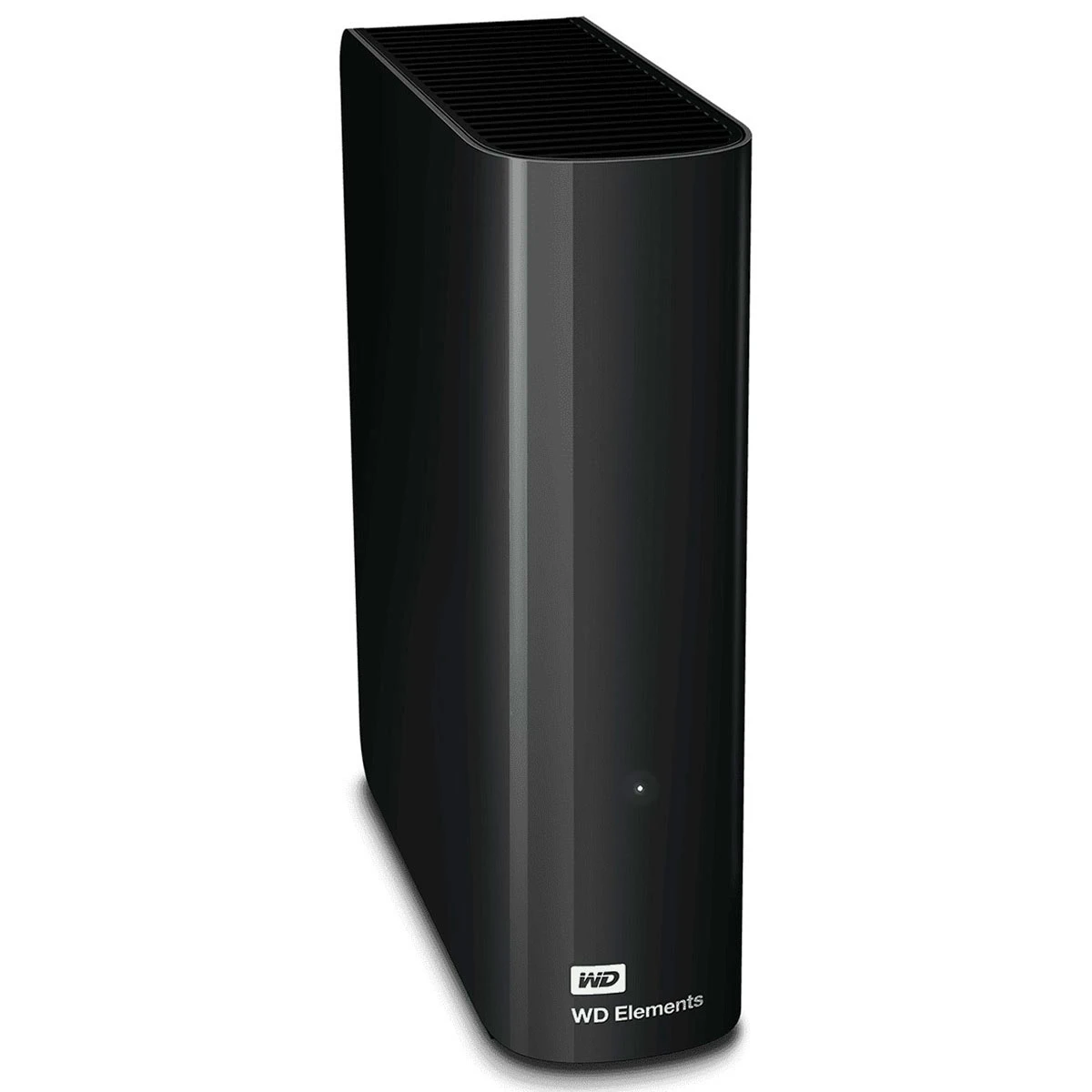
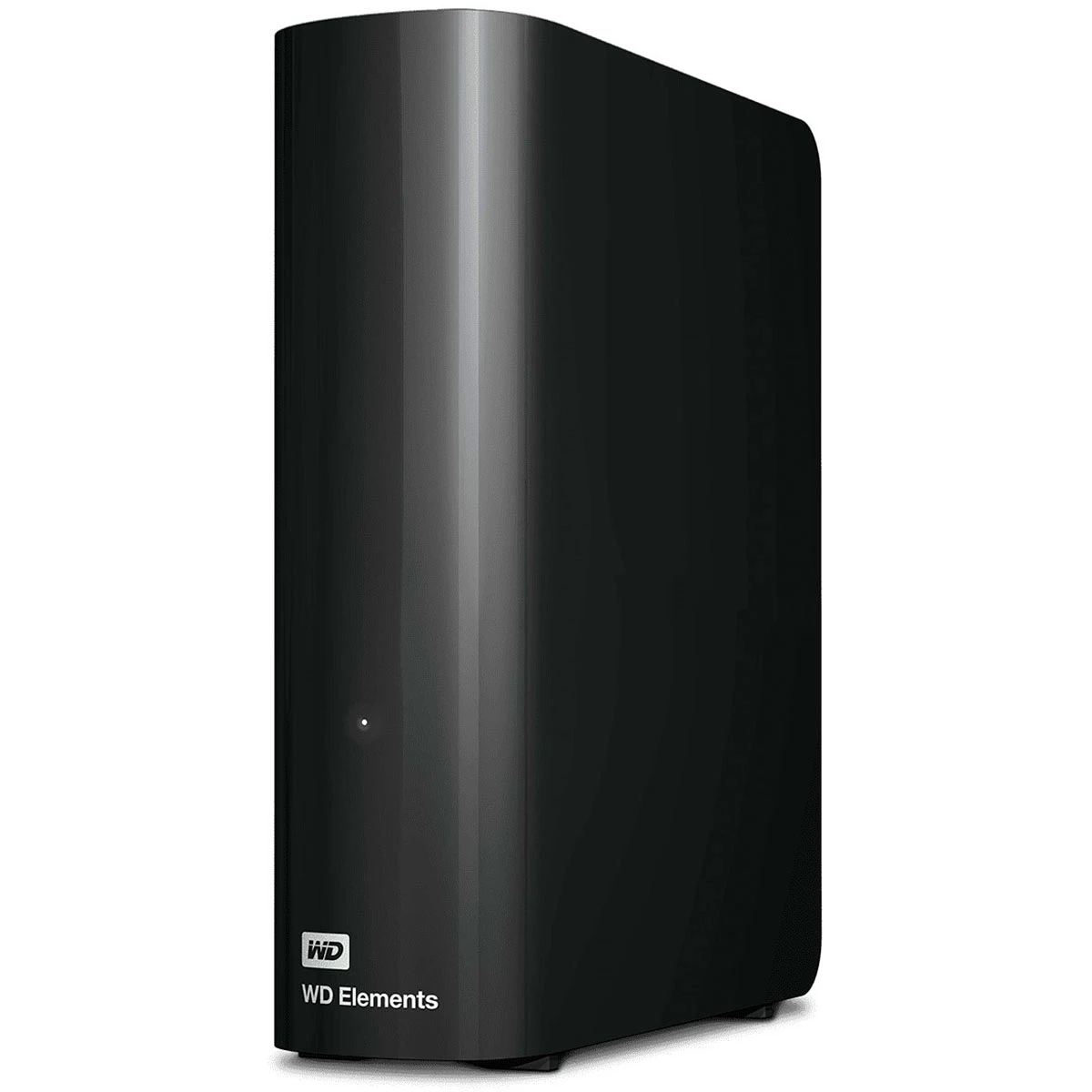
Il WD Elements Desktop è un hard disk esterno con una capacità di memoria fino a 10 TB. Questo hard disk HDD è perfetto per computer fissi e non è quindi adatto per essere trasportato ogni giorno.
Se il disco rigido interno è quasi pieno e rende il tuo PC più lento, non è necessario eliminare file dal disco rigido interno, ma basta trasferire i file sullo storage desktop WD Elements. In questo modo puoi mantenere i tuoi file, mentre rendi di nuovo il tuo PC più veloce.
Inoltre, l'hard disk è plug and play e può essere utilizzato immediatamente dopo la configurazione.
Item number: 60705
Alle priser er inkl. 25% moms
| Others | |
| Product colour | Black |
|---|---|
| Supported storage drive types | HDD |
| SSD form factor | External |
| Capacity (GB) | 10000 |
| Interface | USB-A |
| Connection Types | USB-A |
| Type | Hard disk esterni, Hard disk esterni Western Digital |
| Brand | Western Digital |
| Ports & interfaces | |
| Wi-Fi | No |
|---|---|
| USB connector | Micro-USB B |
| USB version | 3.2 Gen 1 (3.1 Gen 1) |
| Hard drive | |
| Type | HDD |
|---|---|
| HDD capacity (GB) | 10000 |
| Logistics data | |
| Harmonized System (HS) code | 84717050 |
|---|---|
| Packaging data | |
| Cables included | USB |
|---|---|
| Features | |
| Plug and Play | Yes |
|---|---|
| Windows operating systems supported | Yes |
| Mac operating systems supported | Yes |
| Certification | FCC, CE CAN/CSA-C22.2 No. 60950-1, UL 60950-1 |
| Cable lock slot | Yes |
| Weight & dimensions | |
| Width (mm) | 48 |
|---|---|
| Depth (mm) | 135 |
| Height (mm) | 165.8 |
| Weight (g) | 860 |
| Power | |
| External power adapter | Yes |
|---|---|
| AC adapter output voltage (V) | 12 |
| Bus powered | No |
| Operational conditions | |
| Operating temperature (T-T) (°C) | 5 - 35 |
|---|---|
| Storage temperature (T-T) (°C) | -20 - 65 |